
What the game is
Creek is a shading puzzle with only two states per cell: shaded or free. Its difference sits in where the information lives. The numbers do not go inside the cells — they sit on the crossings of the grid lines, the points where four cells meet. Each number states exactly how many of those neighbours to shade. Above all that, one global demand: every free cell must belong to a single connected body.
The game pays off in two scales at once. The numbers invite small arithmetic, crossing by crossing; connectivity makes you read the whole board and ask, before putting any shadow down, whether that one cell would split the white space in two. That double workout is why Creek has appeared at the World Puzzle Championship and in Puzzle GP events.
The name is the image to hold onto: the unshaded cells trace a continuous stream that winds between dark banks. Keep thinking of water and the rules start to feel obvious.
How to play
The rules, in the same numbered order as the game sheet:
- The grid is rectangular and numbers sit at some or all crossings of the grid lines. This game does not number every intersection: about a quarter of the inner crossings are left blank, as is usual on Creek boards.
- Each crossing touches up to four cells — three along an edge, two in a corner.
- The number at a crossing says exactly how many of its surrounding cells must be shaded.
- Cells that no numbered crossing constrains may be shaded or free, as the board requires.
- All free cells must form one connected group: from any white cell you must be able to reach any other white cell by stepping only onto horizontal or vertical neighbours. No jumps, no diagonals.
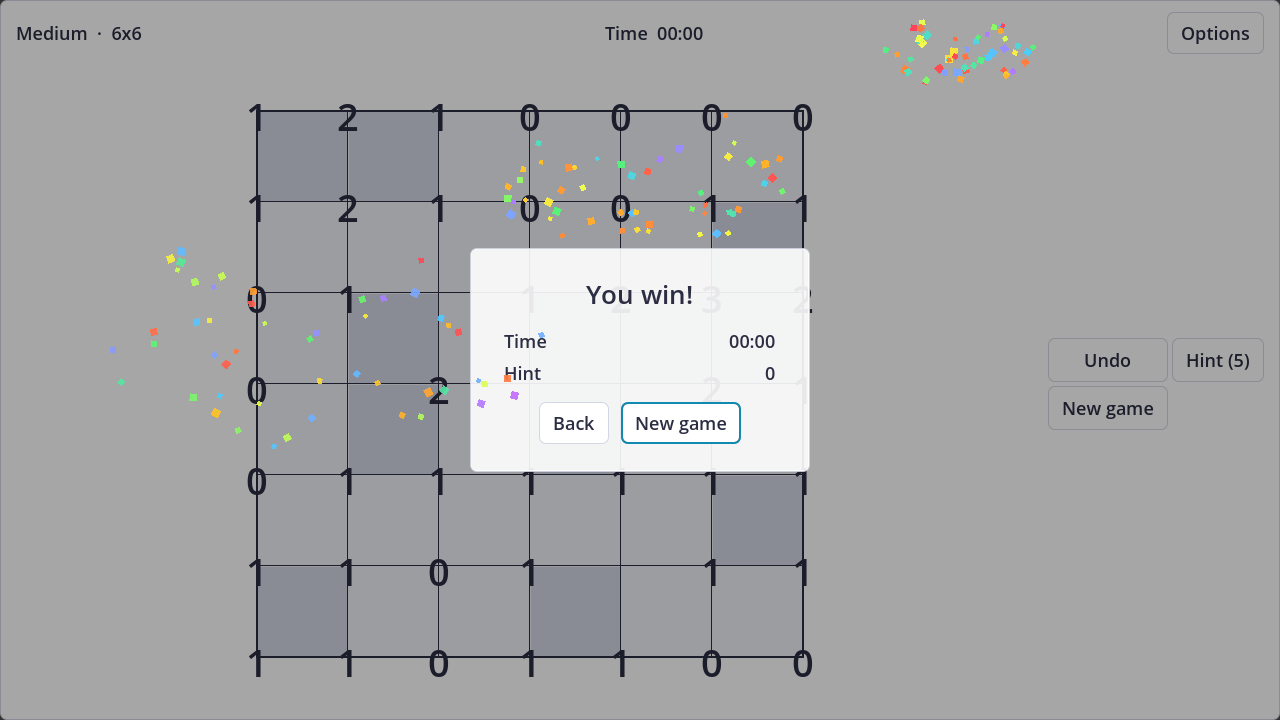
Step by step. You begin with an empty grid and the crossing numbers scattered over it; Medium is a 6×6.
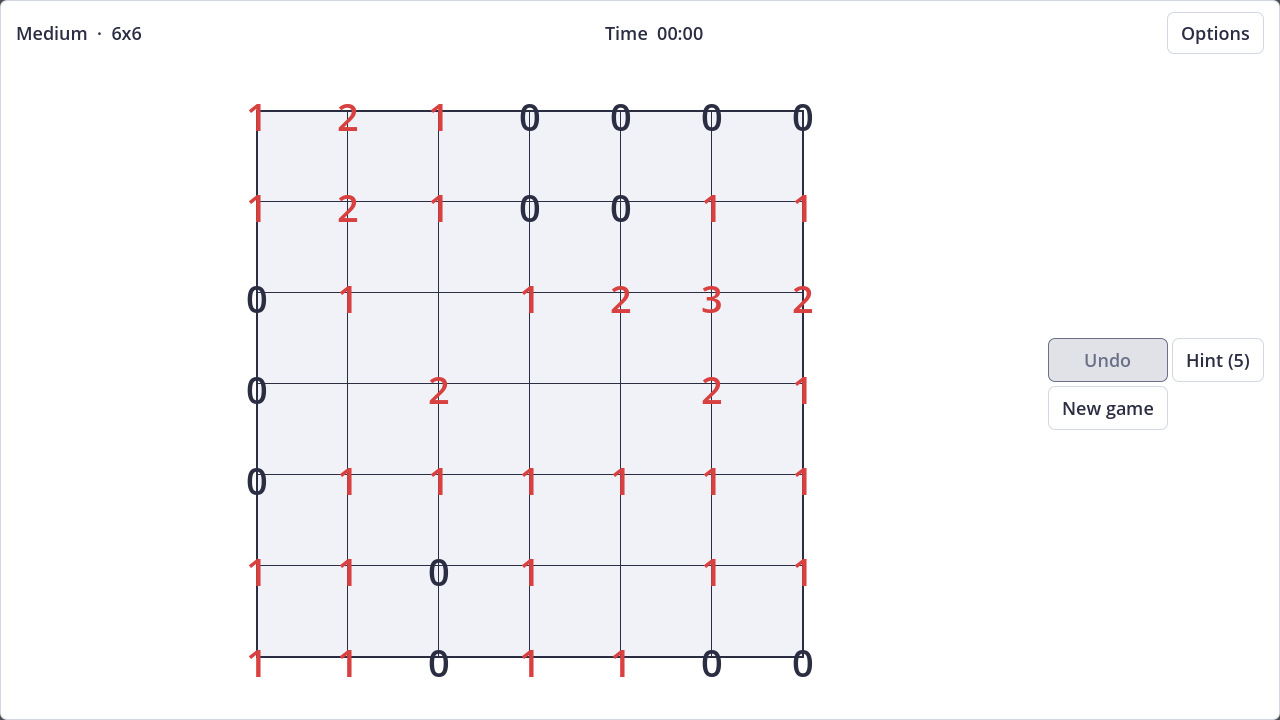
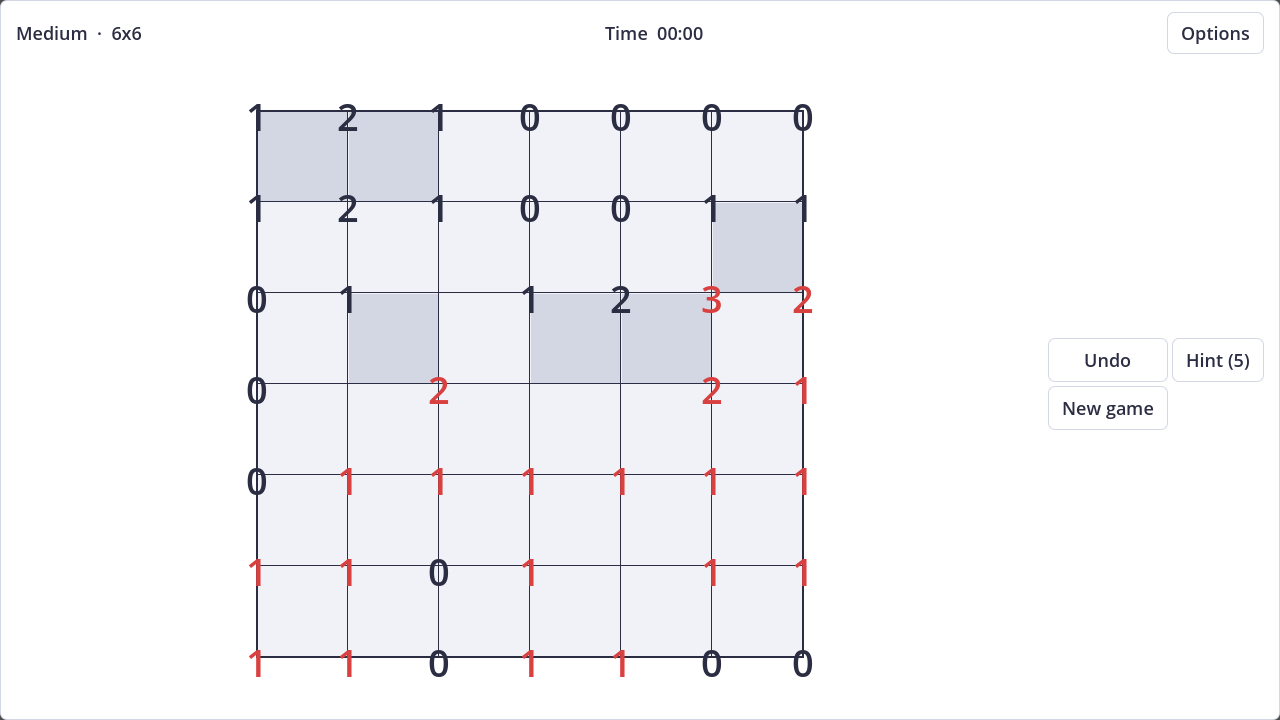
One click shades a cell, another frees it — that is the whole vocabulary. The board keeps score while you play: crossings whose count is not met yet print in red, and white cells cut off from the rest by your shading pick up a red tint. The Undo button takes moves back, and five hints per run are there if you need one.
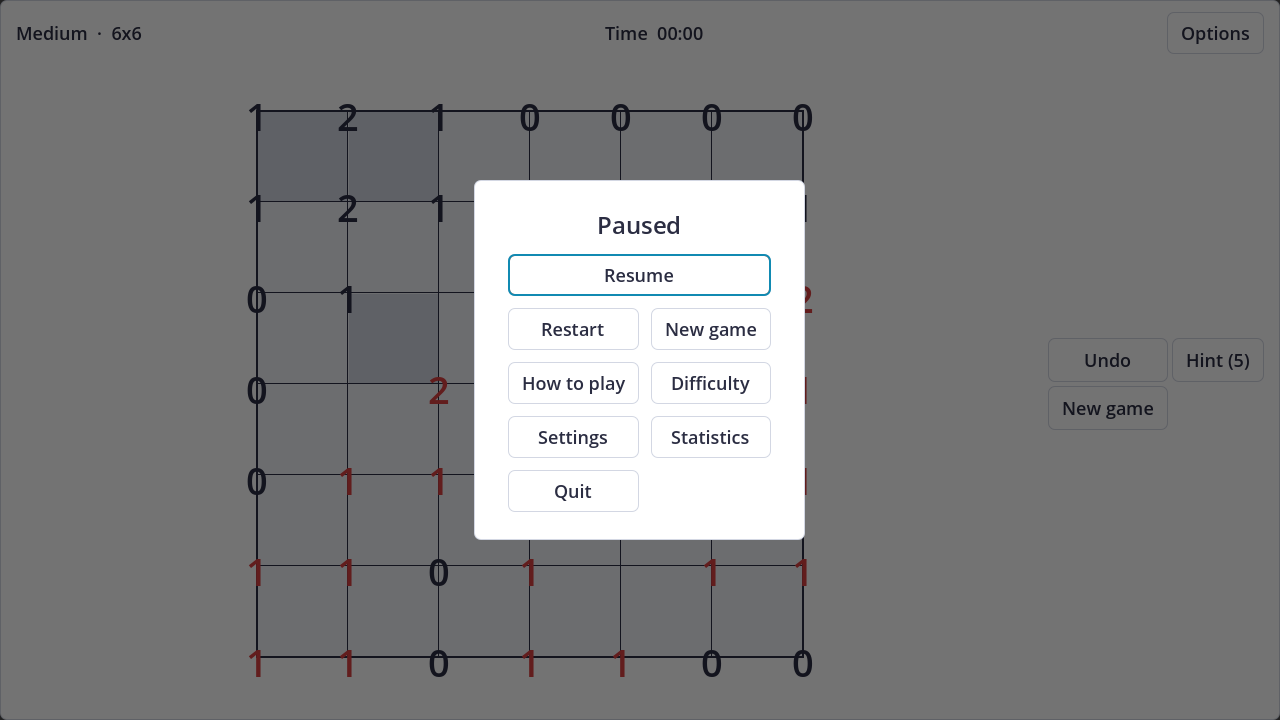
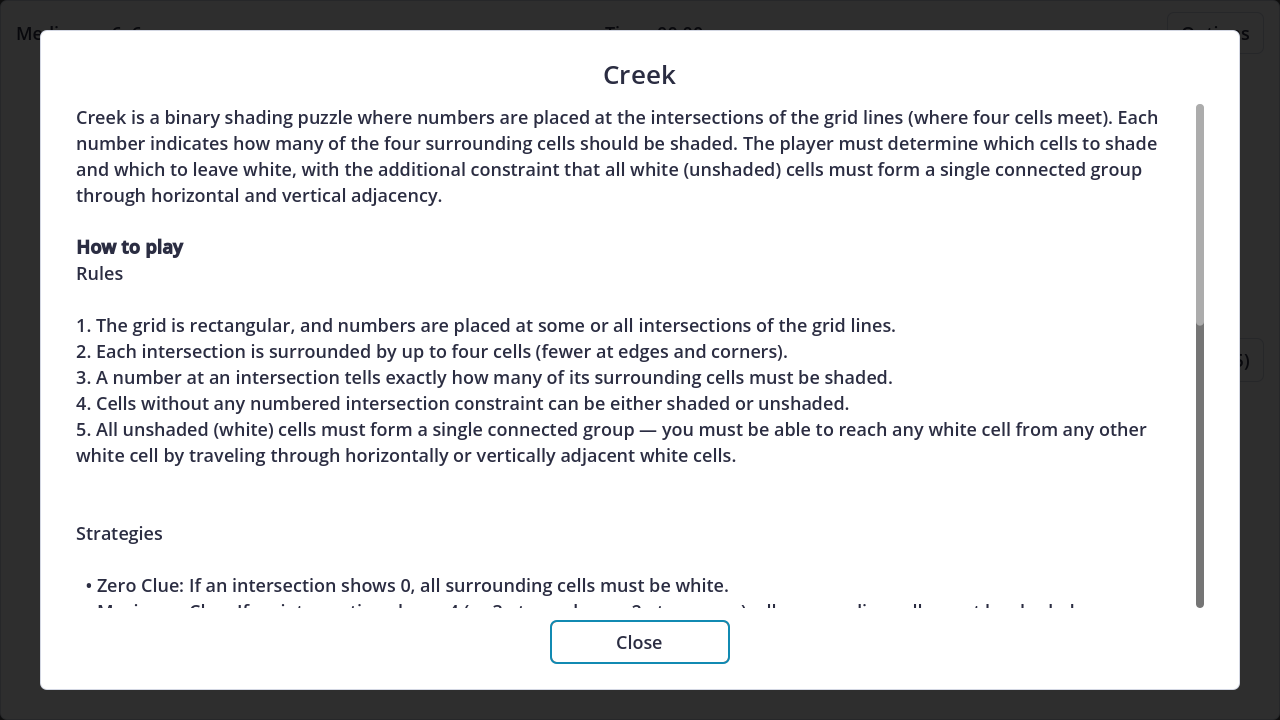
The pause menu lays its options in two columns over the dimmed board — Resume, Restart, New Game, How to Play, Difficulty, Settings, Statistics and Quit (Quit only in the installed app) — and "How to Play" keeps the rules and strategies inside the game.
You win when every number equals the shadows around it and the free cells are still one connected block: win panel, run stats, confetti.
Strategy and tips
- The extremes solve themselves. A 0 means the cells around it stay free. A maximum — 4 in the interior, 3 on an edge, 2 in a corner — means they are all shaded. Sweep these first; they are certainty for free.
- Push the near-misses. A 3 that already has two shaded cells leaves one filled and one empty among the rest. A satisfied 1 leaves its other neighbours white. Place what is sure, postpone what is doubtful.
- Think like water. Before shading a cell, check it does not cut the free area in two — if it would, that cell must stay white. The same protects narrow white "bridges" between two larger areas: touching a bridge breaks the stream.
- Cross adjacent clues. Two neighbouring crossings share cells. A clue already satisfied hands you information about what the other one can still accept.
Controls
- Mouse and touch: click a cell to shade or free it; buttons for Undo, Hint, Restart and the pause menu.
- Gamepad: the D-pad walks a cursor over the grid, A applies the move to the highlighted cell, Start opens the pause menu, B returns to the board.
- Keyboard support is not verified for this build of Creek; once confirmed in game, it will be added here.
Difficulties and variants
In Creek, difficulty is literally board size: Easy is 5×5, Medium 6×6, Hard 7×7, Expert 8×8. The interface shows level and size together as you play, so you always know what you ordered. A larger grid means more cells and, above all, a connectivity problem that grows until it dominates the work — while the numbers go on dispensing local certainties.
Picking another difficulty discards the run in progress and starts a fresh one. "Restart" replays the same puzzle from a clean slate; "New Game" rolls a different board.
Where to play
Creek is free in the Tab and Blank catalog, in the browser, nothing to install: play Creek.
Bitten by shading? The catalog keeps family neighbours like Nurikabe and Hitori.